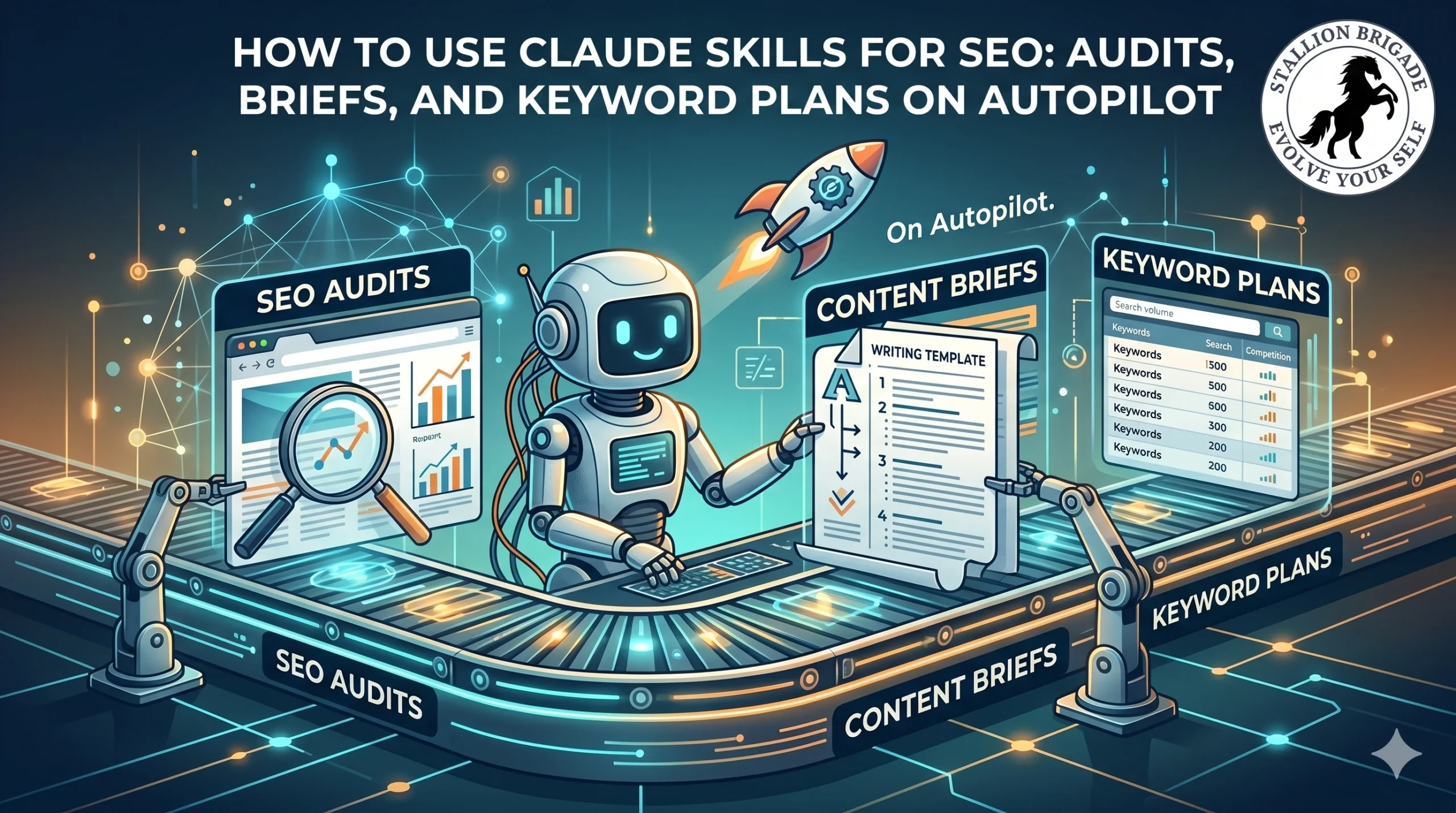
How to Use Claude Skills for SEO: Audits, Briefs, and Keyword Plans on Autopilot
Most explainers will tell you Claude Skills are slash commands for SEO. That’s the detail that’s quietly costing people the entire benefit.
Here’s the distinction that matters: a slash command is something you remember to type. A Skill is something Claude fires on its own when it recognizes the task. You say “audit this page,” and Claude reaches for your audit Skill without being told which one. That auto-invocation is the whole point-and it’s exactly the part the “here are 20 slash commands to install” listicles bury. If you treat Skills as commands you trigger manually, you’ve rebuilt a worse version of a feature you didn’t need. If you treat them as standing instructions Claude applies automatically, you’ve replaced the repetitive core of your SEO job.
Let me show you the difference, because it changes how you’d actually use them.
The 30-second definition
A Claude Skill is a folder-at least a SKILL.md file-containing two things: a description telling Claude when to use it, and the step-by-step instructions Claude follows when it runs. The description is magic. Claude loads it into context and, when your request matches, invokes the Skill automatically. Skills can also bundle scripts and templates, so they extend beyond text into deterministic actions-and crucially, they work in Claude.ai, Claude Desktop, and Claude Code. Define once, use everywhere.
This is the part the developer-focused guides get right but never translate for marketers: as of 2026, custom slash commands and Skills have been merged into one system. Files in the old .claude/commands/ folder still work, but Skills (.claude/skills/) are the recommended approach because they support auto-invocation, supporting files, and tool permissions that plain commands don’t. If a Skill and a command share a name, the Skill wins.
Skills vs. slash commands: the line that decides everything
The clearest framing I’ve found, and the one I’d hand any client: Skills delegate a pattern; slash commands keep you in control.
A Skill says: “Whenever a new page comes in, audit it this way-every time, automatically, regardless of which session I’m in.” A slash command says: “Right now, do this specific thing because I’m telling you to.” If your workflow is the same multi-step process every time-research, brief, draft, optimize, score-that’s a Skill. If it’s a one-off corrective action you want to fire deliberately, that’s a command.
The practical rule: if your process has more than two sequential steps, make it a Skill. Below that, a command is fine.
The SEO Skills worth building (or installing)
Here’s where it gets concrete for our work. The repeatable, soul-draining parts of SEO are exactly what Skills replace:
- /seo-content-audit-analyzes a page, finds keyword gaps, generates semantic variants, flags on-page issues, and returns a fix list.
- /seo-content-brief-turns a target keyword into a full brief: intent, structure, headers, FAQs, word-count target benchmarked against what ranks.
- /seo-keyword-cluster-groups a raw keyword export by intent and priority.
- /seo-backlink-gap-surfaces domains linking to competitors but not you.
- E-E-A-T scoring-scores a draft for experience and authority signals before you publish.
You don’t have to build these from scratch. SE Ranking ships a free plugin of seven pre-built SEO Skills-content briefs, backlink gap analysis, AI search visibility-that run on live SE Ranking data. You install it through Claude Desktop’s plugin marketplace (Customize → plugins → add marketplace seranking/seo-skills), then ask for the task in plain language. No code required.
The part page one misses: a Skill without data is theater
This is the contrarian core, and it’s where most “Claude Skills for SEO” articles fall apart.
A Skill is just instructions. Instructions with no live data produce confident, well-structured guesses-which is worse than nothing in a client report, because they look authoritative. The Skills that actually move rankings are the ones wired to a data source: an MCP connector to your Google Search Console, GA4, or a tool like SE Ranking or Ahrefs. The Skill supplies the process; the connector supplies the facts. Run a content-audit Skill with no GSC connection and it audits in a vacuum. Wire it to your live search data and it audits your page against your rankings.
That’s why the smartest 2026 setups pair the two: an MCP server feeding live data, and a Skill encoding the workflow that reasons over it. Either alone is half a tool.
A real workflow, end to end
Here’s how this looks in practice for a single client article, with no manual prompting between steps:
- You drop a published URL into Claude Desktop.
- Claude recognizes the task and fires your seo-content-audit Skill automatically.
- The Skill pulls live GSC data through the connected MCP server-current position, CTR, impressions.
- It returns a formatted audit file (Skills create deliverables, not just chat replies): keyword gaps, decay flags, a prioritized fix list.
- You chain it into the brief Skill, which drafts the rewrite spec.
What used to be an afternoon of dashboard-squinting and pivot tables becomes one request. And because it’s a defined Skill, it runs identically whether you run it or a teammate does-that consistency is the real agency-scale advantage.
One technical caveat worth knowing
Skills aren’t free in context. Their descriptions load into Claude’s context window, and the budget scales at roughly 1% of the model’s context. Stack too many and Claude starts shortening or dropping the descriptions of the ones you use least-which means it stops recognizing when to fire them. Keep your active Skill set lean and SEO-focused; don’t hoard 40 Skills you never use.
The bottom line
The person who answers the same SEO question ten times a day is the person who gets automated first. Claude Skills are how you become the person doing the automating. But only if you build them as patterns Claude applies on its own, wire them to live data, and resist the urge to treat them as slash commands you have to remember. Get that right and the repetitive 80% of SEO runs itself. Get it wrong and you’ve just made a fancier macro.
FAQs
1. Are Claude Skills the same as slash commands?
Not quite. As of 2026 they share the same /name interface and the systems were merged, but the key difference is invocation: slash commands require you to type them, while Skills can fire automatically when Claude recognizes a matching task. For repeatable multi-step SEO workflows, the auto-invocation of Skills is the advantage.
2. Do I need to code to use Claude SEO Skills?
No. You can install pre-built Skill plugins (like SE Ranking’s free seven-Skill pack) through Claude Desktop’s marketplace and then ask for SEO tasks in plain language. Building your own custom Skill only requires writing a plain-text SKILL.md file-a description plus step-by-step instructions, no programming needed.
3. What’s the difference between a Skill and an MCP connector?
A Skill is the workflow-the instructions Claude follows. An MCP connector is the data pipe-the live link to your GSC, GA4, or SEO tool. Skills tell Claude what to do; connectors give it real numbers to do it with. Serious SEO setups use both together, since a Skill without live data only produces educated guesses.
4. Where do Claude Skills work-web, desktop, or Code?
All three. Skills follow an open standard and run in Claude.ai, Claude Desktop, and Claude Code. You define a Skill once and use it across all of them, which is why they’ve largely replaced the older command-only approach for cross-surface workflows.
5. Can I have too many Claude Skills installed?
Yes. Skill descriptions consume context-window budget (around 1% of the model’s context), and when you overload it, Claude shortens or drops the descriptions of rarely-used Skills-so it stops auto-invoking them correctly. Keep a lean, focused set of the Skills you actually run.
Note: Skill behavior, the commands/Skills merge, and plugin install steps reflect Claude’s 2026 documentation and change frequently between releases-verify the current marketplace flow and SKILL.md format in Anthropic’s official docs before standardizing a team workflow.
For more related articles click here: