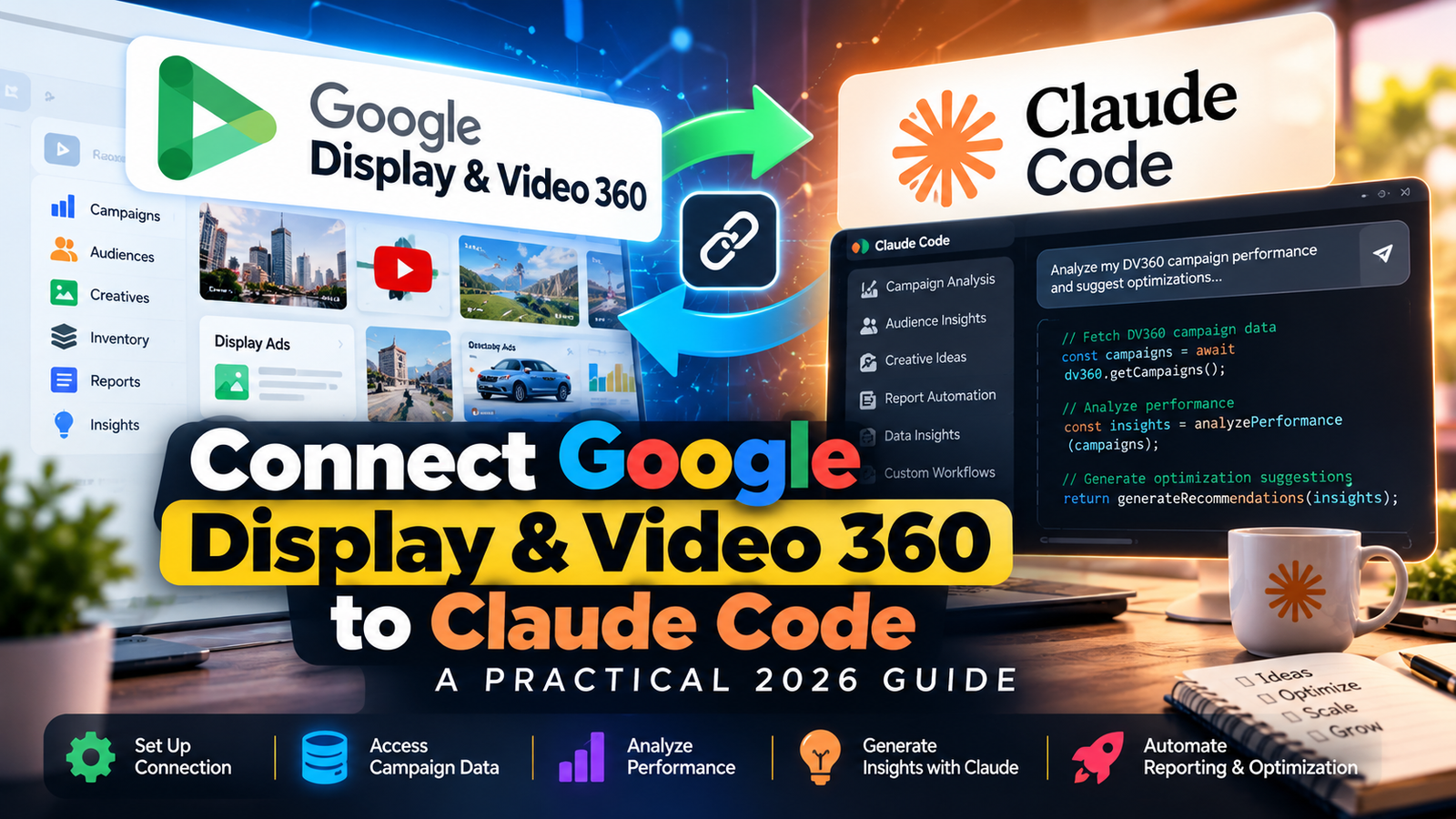
Connect Google Display & Video 360 to Claude Code
Summary
Google doesn’t ship an official DV360 connector for Claude Code, so you have three realistic options: a community MCP server, a hosted connector, or your own scripts against Google’s API. Whichever you pick, start read-only, use a dedicated service account, and let Claude Code analyze and draft changes before anything touches live budgets. This guide covers the setup, the latest API changes, safe practices, and 20 FAQs.
Word count: the main article is about 1,200 words. The summary, contents, and FAQs are extra.
Contents
- Why connect DV360 to Claude Code
- Three ways to connect
- Step-by-step setup
- What’s new in 2026
- Best practices
- Three example scenarios
- 20 FAQs
Main Article
1. Why connect DV360 to Claude Code
Programmatic work is repetitive: pacing checks, line-item audits, creative-size comparisons, and cross-channel reports. DV360’s hierarchy (partner, advertiser, campaign, insertion order, line item) is a good fit for an agent that can query, compare, and explain.
Claude Code adds something chat tools lack. It runs in your terminal, so it can pull data, write scripts, save reports, and keep a project folder of prompts and checks.
2. Three ways to connect
- Community MCP servers. One open-source server uses the DV360 API v4 for entity management and the Bid Manager API for reporting. Another connects to the Bid Manager API v2 with six tools focused on querying and downloading performance data. Listings note that these are independent projects, not affiliated with Anthropic, so review the code before you trust it. glama.ai +2
- Hosted connectors. Gumloop says its hosted server means no GCP project, OAuth consent screen, or DV360 API setup. Adzviser offers a no-code connection that doesn’t require you to manage API credentials. These are fast, but your data passes through a third party. gumloopadzviser
- Direct API. Porter’s 2026 guide says Google doesn’t ship an official DV360 MCP yet, so the direct route means calling the API from Claude Code or your own scripts with OAuth 2.0 access and the display-video scope. You get full control and carry all the plumbing yourself. portermetricsportermetrics
Check whether an official option has appeared since this was written. This area moves fast.
3. Step-by-step setup (community MCP route)
- Create a Google Cloud project and enable the Display & Video 360 API and the Bid Manager API.
- Create a service account and download its JSON key. Keep the key outside your repository.
- Grant it access in DV360. The server’s setup notes say to go to Settings > Access Management and add the service account as a user. Give it the lowest role that works, and use read-only first. glama
- Add the server to Claude Code. The pattern looks like this (your server’s README gives the exact package and variables):
bash
claude mcp add dv360 \
  --env GOOGLE_APPLICATION_CREDENTIALS=/secure/path/key.json \
  -- npx -y <dv360-mcp-package>
claude mcp list
For a hosted server, the pattern is claude mcp add --transport http dv360 <server-url>.
5. Test with a harmless question: “List my advertisers, then show last week’s spend by insertion order.”
6. Add a CLAUDE.md file to your project that explains your account hierarchy, naming conventions, KPIs, and a rule: never change a live line item without showing me the change first.
4. What’s new in 2026
- API v4 is the standard, and v5 has arrived in beta. v4 moved to general availability on March 27, 2025. The October 22, 2026 notes say v5 launched in public beta, adding advertiser-level YouTube exclusion targeting and Digital Out of Home insertion orders, while removing Customer Match audience methods in favor of the Data Manager API. If your scripts manage audiences, plan the migration now. googlegoogle
- Demand Gen is rolling in. Google began rolling out Demand Gen support in the DV360 API for all partners, with some limits on creating and updating those resources. google
- Compliance fields keep growing. Recent releases added bulk updates for the EU political ad declaration and a synthetic content attestation field on creatives, which matters if you use AI-generated assets. googlegoogle
- Reporting stays separate. The Bid Manager API remains focused on reporting and is distinct from the DV360 API. Most MCP setups need both. ppc
- Official community channels exist. Google added the DV360 API team to its Discord server in March 2026, with an announcements channel worth following. ppc
5. Best practices
- Start read-only. Reporting and audits give you value with no risk of overspending.
- Separate read and write credentials. Only add a write-enabled service account when you’ve tested your workflow.
- Require approval for mutations. Use Claude Code’s permission settings (and hooks, if you want automated checks) so budget, bid, and status changes need your confirmation.
- Keep secrets out of
.mcp.json. If you share project config with a team, use environment variables. - Audit community servers. Check what each tool can do, who maintains it, and how recently it was updated.
- Use BigQuery for scale. For large historical analysis, export your data and let Claude Code query it rather than hitting API quotas.
- Log every change. Ask Claude Code to write a change record (what, why, old value, new value) for each action.
6. Three example scenarios
I couldn’t find verified public case studies of teams running DV360 through Claude Code, so I won’t invent any. These are illustrative scenarios, with no performance numbers claimed.
Scenario A: Weekly pacing audit. An agency analyst asks Claude Code to compare spend against flight budgets across 40 insertion orders and flag any line item more than 15% off pace. Output: a markdown report and a short list of suggested fixes, with no changes made.
Scenario B: Creative-size review. A performance team asks for CTR and viewability by banner size over 30 days. Claude Code pulls the report, then writes a short brief recommending which sizes to retire.
Scenario C: Naming-convention cleanup. A trafficker asks for every line item that breaks the naming rule. Claude Code lists them and drafts the corrections. The trafficker reviews them, then approves a small batch of changes.
The pattern in all three is analyze first, draft second, change last.
20 FAQs
1. Is there an official Google DV360 MCP server?
Not that I found. Porter’s guide says Google doesn’t ship one yet, but check again before you build. portermetrics
2. Do I need to code?
Not for hosted connectors. Community MCP servers need basic terminal skills, and direct API use needs scripting.
3. What’s the difference between the DV360 API and the Bid Manager API?
The first manages entities such as campaigns and line items. The second is for reporting.
4. Which API version should I use?
v4 for now. v5 is in beta, so test it separately.
5. Why use a service account?
It gives your agent its own identity and permissions, so you can limit and revoke access cleanly.
6. Can Claude Code change live budgets?
Only if your credentials and server allow writes. Don’t enable that until you’ve tested it.
7. Is a hosted connector safe?
It depends on the vendor. Check their data handling, access scopes, and how they store credentials.
8. What does “local,” “project,” and “user” scope mean in Claude Code?
They control where the MCP configuration lives and who shares it. Check Claude Code’s MCP documentation for current behavior.
9. How do I prevent accidental changes?
Use read-only credentials, require approval for write tools, and ask Claude Code to show proposed changes before executing them.
10. Can it run reports on a schedule?
Yes, through scripts or automation around Claude Code. Keep credentials secure in that environment.
11. How do API quotas affect me?
Heavy queries can hit limits. Cache results or use BigQuery for large analyses.
12. Does Demand Gen work through the API?
Partly. Google says some Demand Gen resources can’t be created, deleted, or updated with the standard methods. google
13. What happens to Customer Match in v5?
The beta removes those methods in favor of the Data Manager API. google
14. Can Claude Code audit EU political ad declarations?
Yes, using the line-item fields Google added, then draft bulk updates for your review.
15. What about AI-generated creatives?
Google added a synthetic content attestation field, so build a check for it into your creative QA. google
16. Which is better, MCP or direct API?
MCP is faster to start. Direct API gives more control and fewer third-party dependencies.
17. Can I combine DV360 with Google Ads or Analytics?
Yes, if you connect those sources too. Agencies often do this for cross-channel reports.
18. How do I know a community server is trustworthy?
Read the source, check maintenance activity, limit its permissions, and test in a sandbox account first.
19. Will this replace my programmatic team?
No. It speeds up analysis and routine checks. Strategy, client judgment, and approvals stay human.
20. Where do I follow DV360 API changes?
The official release notes and Google’s DV360 Discord announcements channel.
A caution: tools, versions, and vendor claims change quickly. Check each source’s current documentation before you build.
I can also turn this into a formatted Word or PDF file, or write a LinkedIn post that summarizes the key points.