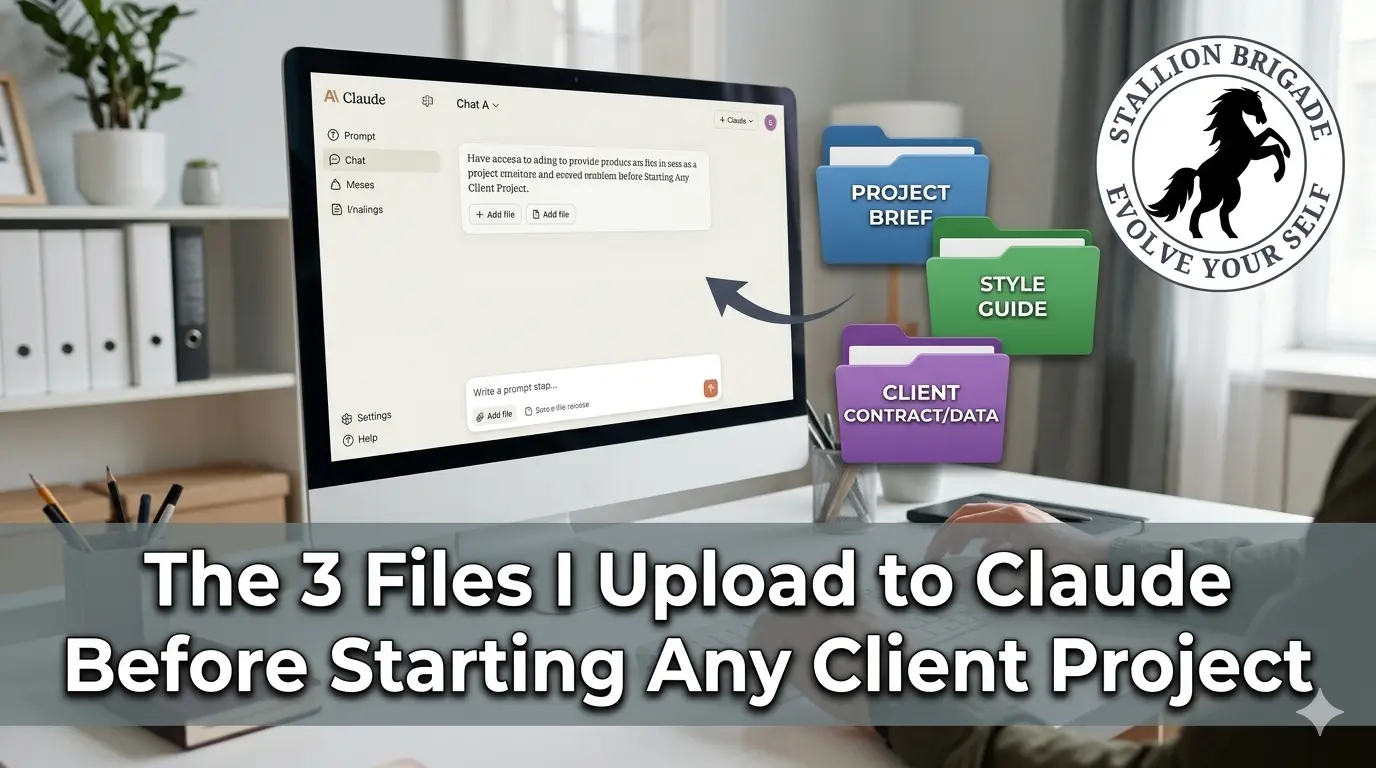
The 3 Context Files That Make Claude Sound Like You (Not Like AI)
Most people use Claude like a search engine. They type a question, get an answer, close the tab.
That’s the reason their outputs sound generic – because Claude knows nothing about them.
The top 1% of Claude users do something different. Before they write a single prompt, they feed Claude three files. These files carry their voice, their standards, and their workflow. Once uploaded, Claude stops guessing and starts producing work that actually sounds like a real professional did it.
Here’s the exact setup.
Why Context Files Change Everything
What you feed Claude matters more than which model you pick. Your taste, your examples, your context – that’s the real variable.
Without context files, every Claude session starts from zero. You re-explain yourself. You re-upload the same background. You waste the first 20 minutes of every session just getting Claude up to speed.
The more context you give Claude as files, the less prompting you need. The output goes from “generic AI” to “this actually sounds like a full-time employee.”
Three files fix this permanently.
File 1: about-me.md – Your Professional Identity
This is not a resume. It’s not a LinkedIn bio.
Your about-me file captures what you do and who you write for. It tells Claude your role, your clients, your industry, and how you think about your work. It’s the document that makes Claude stop writing for “everyone” and start writing for your specific audience.
What to put in it:
- Your role and what you actually do day-to-day
- The clients you serve and their industries
- Your communication style (direct, consultative, casual, expert)
- One or two examples of writing you’re proud of
The goal is not length – it’s precision. The job isn’t to summarize you. It’s to preserve the smallest set of instructions, examples, phrases, and taste signals that will make Claude write, judge, edit, and decide more like you.
How to create it fast: Open a Claude chat. Paste this prompt:
“You are a Taste Interviewer. Ask me questions about how I think, write, and see the world. Then compress my answers into a compact about-me.md file built for AI context.”
Answer the questions in voice notes using a tool like Wispr Flow. It’s faster than typing and more honest. Claude will do the compression.
Where it lives: Inside a folder called ABOUT-ME in your Cowork workspace.
File 2: anti-ai-writing-style.md – Your Editorial Red Lines
This file is the one most people skip. It’s also the one that makes the biggest difference in output quality.
Your anti-ai-writing-style file captures the words you avoid and your voice rules. Think of it as a list of editorial crimes Claude must never commit when writing for you.
What to put in it:
- Words and phrases you hate (“leverage,” “unlock,” “game-changer,” “dive deep”)
- Structural patterns you avoid (listicles when you prefer narrative, passive voice, corporate hedging)
- Tone violations (too formal, too casual, too cheerful, too salesy)
- Specific examples of writing that misses the mark – and why
This file works because Claude, by default, writes for the median reader. The anti-style file pulls it away from that median and toward your specific editorial standards.
Pro tip: Keep a running list every time you edit a Claude output and find yourself deleting the same phrase twice. That phrase belongs in this file.
File 3: my-company.md (or my-client.md) – The Project Brief
The third file is project-specific. Before starting any client project, you create a dedicated brief file for that client.
Your company file captures what you sell and who you sell to. For client work, that becomes: what this client does, who their audience is, what the deliverable is, and what success looks like.
What to put in it:
- Client name, industry, and audience
- The specific deliverable you’re producing
- Brand voice guidelines (if the client has them)
- Key messages, talking points, or angles to hit
- What to avoid (competitor names, sensitive topics, outdated positioning)
New discovery call notes go in, finished proposals come out. Nobody writes from scratch anymore. That’s the workflow this file enables.
Folder structure for client work:
Claude-Work/
ABOUT-ME/
about-me.md
anti-ai-writing-style.md
PROJECTS/
[Client Name]/
my-client.md
brief.md
reference-materials/
TEMPLATES/
OUTPUTS/
How to Add Project Instructions in Claude
On claude.ai, go to Projects and create a new project for each client. Under Project Instructions, paste a short version of your context – your role, the client’s brief, and your output standards.
This means every chat inside that project inherits the context automatically. You don’t upload files every session. You don’t re-explain the brief. You open the project and start working.
For desktop users on Cowork: Go to Settings → Cowork → Edit Global Instructions. Set these first, then prompt.
A clean global instruction template:
“I’m [Name], [Role]. Read my files before every task. Ask clarifying questions before executing. Show a plan before acting. Never delete without my approval.”
How Claude Skills Replace Repeatable Tasks
Once your context files are in place, the next level is Skills.
Skills live inside Claude. It’s like a very long context plus instructions living inside the AI. You just /command it – like /brief or /linkedin or /contract-x.
The difference between a context file and a Skill: Context files need you to say “read my file first” every time. Projects need you to open the right Project. But Skills fire automatically – Claude recognizes the task from what you type and activates the right Skill on its own.
Skills worth building for client work:
- /brief – generates a client content brief from raw notes
- /linkedin – transforms long-form content into LinkedIn posts in your voice
- /seo-article – runs your full article workflow with structure, hooks, and SEO signals
- /proposal – drafts a client proposal from discovery call notes
The person who answers the same question 10 times a day is the person who gets replaced first. Skills make that irrelevant – those tasks run in seconds, automatically.
The Full Workflow in Practice
Here’s how this plays out on a real client project:
- Open Claude Cowork or a Project on claude.ai
- Claude reads your ABOUT-ME folder (your identity and style rules)
- You drop in the client brief file
- Your prompt is 2 lines: “Create a LinkedIn article for [Client]. Use AskUserQuestion to clarify before you execute.”
- Claude asks smart questions, generates a plan, executes
- Output lands in your OUTPUTS folder
You set this once. It runs every time. You never type it again. Combined with your context files, your prompts can be 10 words long and still produce work that sounds like you.
5 FAQs: Context Files and Claude Workflows
Q1: Do I need to re-upload these files every time I start a new chat?
No – if you’re using Claude Projects or Cowork Projects, the files persist across sessions. You upload once to the project, and every chat inside that project inherits the context. On standard Claude chat, you’d need to re-upload, which is why Projects exist.
Q2: How long should my about-me.md file be?
Short enough to leave context window space for your actual work. Aim for 500–800 words. A file that’s too large eats too much of your context window – every time you give it to Claude, it has to read it on every turn, and it costs tokens. Compress ruthlessly.
Q3: Can I use these same files across Claude, ChatGPT, and Gemini?
Yes. Your file works inside any AI – Claude, ChatGPT, Gemini, Grok, whatever ships next. The .md format is universal. Build it once, use it everywhere.
Q4: What’s the difference between Claude Skills and context files?
Context files are documents Claude reads when you tell it to. Skills are slash commands that fire automatically and contain their own built-in instructions. Think of context files as your background brief and Skills as your repeatable SOPs. For high-volume tasks you do weekly, Skills are the better investment.
Q5: What should go in the TEMPLATES folder?
Your best past work – not as content to recycle, but as structural patterns. Store examples you’d copy: 3–5 pieces of work you love and 3–5 that miss, so Claude learns what good looks like for you specifically. When you ask Claude to write a new article, it benchmarks against these templates instead of defaulting to generic AI structure.
The Bottom Line
The person who gets replaced first isn’t the one who uses AI. It’s the one who uses AI badly – re-explaining context every session, accepting generic outputs, never building systems.
Three files. Twenty minutes of setup. And Claude stops being a chatbot and starts being a junior team member who already knows your clients, your standards, and your voice.
Build the files this week. You won’t start a client project without them again.
For more related articles click here:
https://stallionbrigade.com/category/digital-marketing/