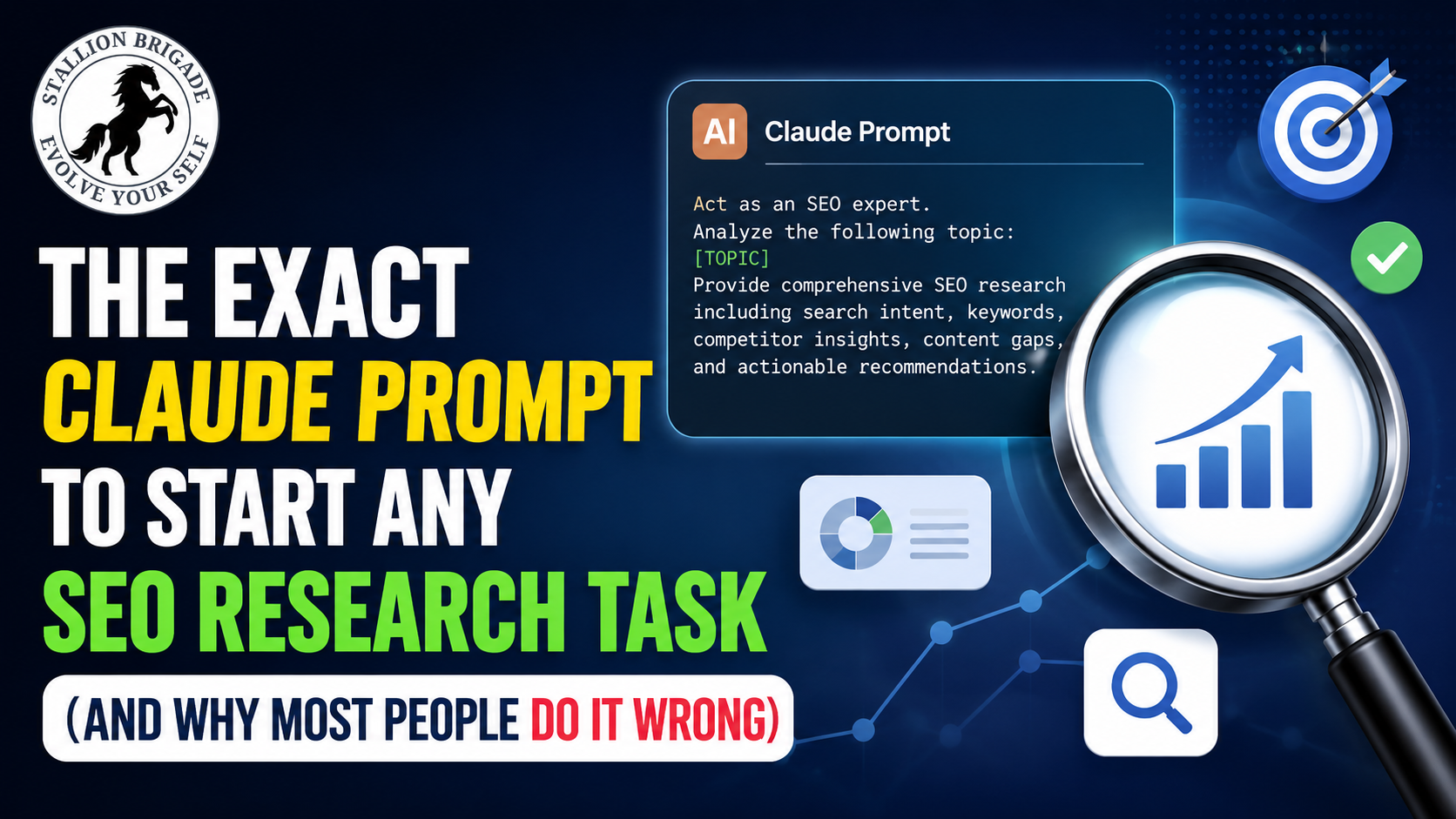
The Exact Claude Prompt That Makes SEO Research 10x Faster (Most SEOs Are Still Doing It Wrong)
Quick Answer: Stop writing long prompts. Use this two-line structure instead – I want to [TASK] so that [SUCCESS CRITERIA]. Use AskUserQuestion before you start. – and let Claude interview you before it does anything. That single shift produces better SEO research output than 95% of the elaborate prompt frameworks people are copying online.
What everyone else does (and why it fails)
Most SEOs open Claude and type a 200-word prompt. They describe the task, define the audience, list constraints, specify the format, name the keyword, and add three disclaimers. They hit Enter. Claude produces something generic because it had to guess at your intent from a wall of text.
The problem isn’t the length. It’s the direction. You’re prompting Claude instead of letting Claude prompt you.
AskUserQuestion is a built-in Claude tool that flips the interaction – Claude asks YOU the questions instead of you prompting it badly. For SEO research specifically, this matters because the quality of the output depends entirely on context Claude can’t infer: your site’s topical cluster, your current positions, your target audience, your existing content, and what you’ve already tried. No prompt, however long, substitutes for a two-way conversation.
The exact prompt structure (use this verbatim)
The anatomy of a Claude 4.6 prompt has five parts: Task, Context Files, Reference, Brief, and Rules. But for starting any SEO research task, the essential structure is: define what you want and what success looks like, then trigger AskUserQuestion so Claude refines the approach with you before executing.
Here is the starting prompt:
I want to [TASK] so that [SUCCESS CRITERIA]. First, read these files completely before responding: [your context file]. DO NOT start executing yet. Instead, ask me clarifying questions (use AskUserQuestion) so we can refine the approach together step by step. Only begin work once we’ve aligned.
Example for keyword gap research:
I want to find 10 low-competition keywords for xyz.com in the “Commercial Real Estate for Rent in Florida” cluster so that I can publish posts that reach page 1 within 60 days. First, read my site-context.md file. DO NOT start yet. Use AskUserQuestion to clarify my current positions, competitor gaps, and content format.
Claude will then generate a clickable form asking you about your niche, existing rankings, intent type, audience level, and publishing frequency. You answer. It executes with full context. The output is specific – not generic.
Step-by-step: How to run this for any SEO task
Step 1 – Build your context file once. Open a plain text file. Write: your site’s niche, target audience, main keyword cluster, tone of voice, posts already published (with URLs), and what you will NOT write about. Save it as site-context.md. Upload it to a Claude Project at claude.ai/projects. You do this once. Claude reads it every session inside that project.
Step 2 – Paste the prompt template. Replace [TASK] with your research goal (keyword discovery, content gap analysis, SERP analysis, competitor mapping). Replace [SUCCESS CRITERIA] with a specific outcome (10 low-KD keywords, 5 gap topics, a content brief for one post).
Step 3 – Let Claude interview you. When you trigger AskUserQuestion, Claude generates an interactive form with clickable options, multi-select choices, and rankings you can drag and reorder. You click your answers. It takes 90 seconds. This is what replaces the 200-word prompt.
Step 4 – Push back once. After Claude produces its first output, respond with one correction or refinement. “Focus only on informational intent, not commercial.” “These keywords are too competitive – go below KD 15.” One push-back produces a second output that’s usually publishable-grade.
Step 5 – Audit the output with Claude. Once you have a keyword list or content brief, paste it back and run: “Grade this for SEO. Flag any keyword with likely AI Overview domination, any intent mismatch, and any gap in topical coverage.” This kind of Claude content audit – paste and ask for keyword gaps, readability score, and improvement suggestions – outputs a complete review that you can act on in minutes.
Resources to go deeper
- The full Claude 4.6 prompt anatomy (his March 31, 2026 Substack note): substack.com/@ruben/note/c-235898971
- Claude Projects setup (official docs): docs.anthropic.com/en/docs/claude-projects
- Julian Goldie’s Claude SEO content audit workflow: juliangoldie.com/claude-ai-seo-workflow
The prompt isn’t the trick. The conversation after it is.